In Oslofjord for 30 min
ARYAMMSI 257579460
Silent or new destinationNo match trigger
AIS data from Pelyr (pelyr.com), Pelyr Data Licence 2.0Define an area and set alerts for entries, exits, extended stays, lost signals or status changes.
Use Zone Alert in the Pelyr dashboard to choose the vessel activity that matters to you.
Open Pelyr dashboardChoose an area that matters to you, from a harbour approach to an anchorage or a stretch of water.
Open Pelyr dashboard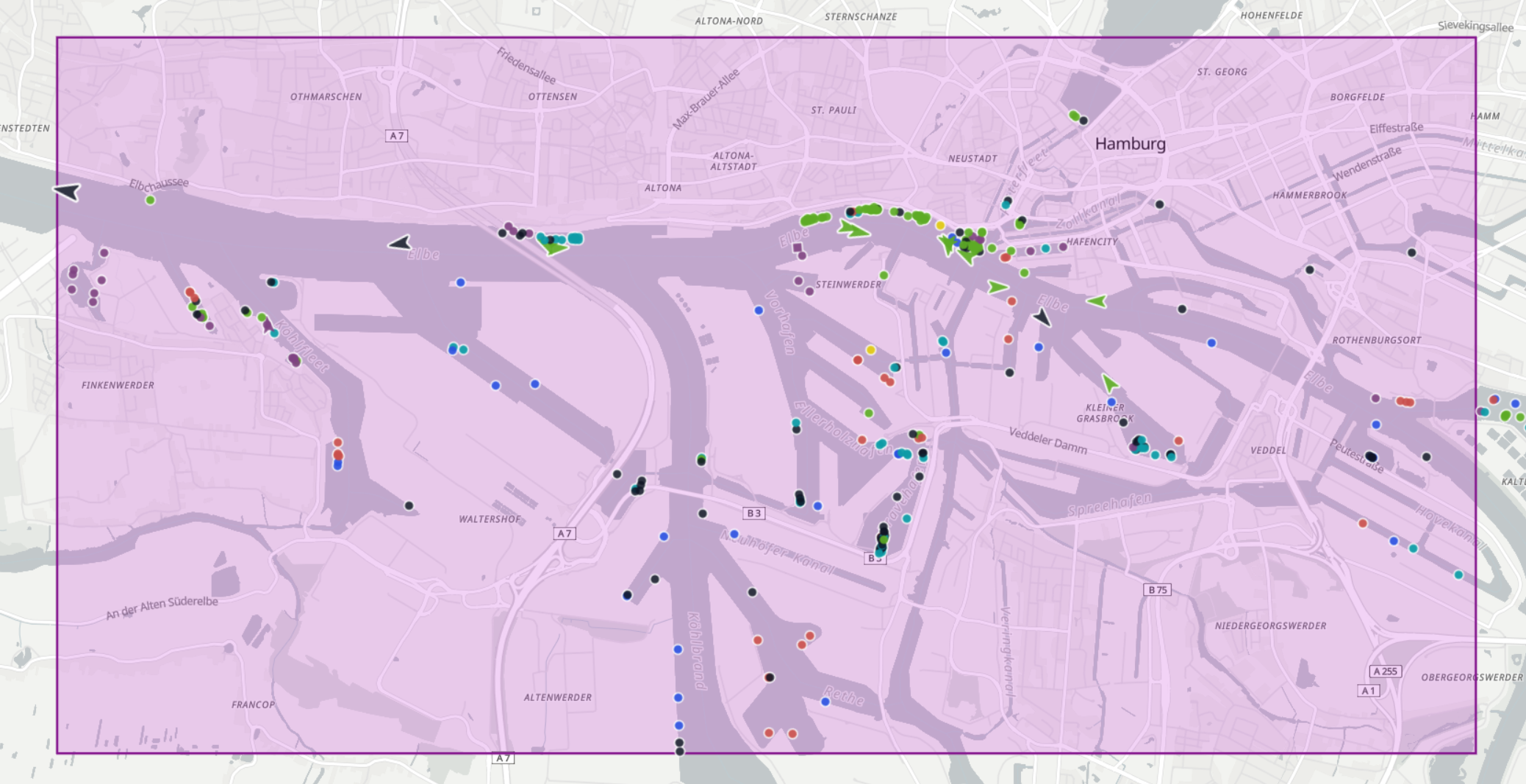
Review zone events and see whether an alert matched. Matching events can notify you through your chosen channel.
ARYAMMSI 257579460
WELLINGDORFMMSI 211872380
Zone Alert is also available through the HTTPS API. Integrate alerts for entries, exits, extended stays, lost signals and status changes into your own application.
Areas, notifications and getting started.
Open the Pelyr dashboard, define an area and choose your alert triggers. You can follow entries, exits, extended stays, lost signals and changes in navigation status or destination.
Choose from zone entry, zone exit, extended stay, signal loss, or a change in navigation status or destination.
Yes. Open the Vessel Map to inspect the ship, replay its recorded track and save it to your favourites through your account.